A blurry orthomosaic is often the first sign that something went wrong long before the data reached the processing stage.
In many cases, poor orthomosaic quality is not caused by photogrammetry software. The problem begins during data acquisition. Motion blur, incorrect camera settings, focus issues, environmental conditions, and flight parameters can all reduce image quality long before processing starts.
This article examines the most common causes of blurry orthomosaics and explains how they affect mapping results in real UAV survey projects.
Motion blur occurs when the drone moves during image exposure.
Although modern UAVs use stabilized gimbals, the camera continues moving through space while the shutter remains open. If the exposure time is too long relative to flight speed, ground features shift across the sensor during capture.
The effect also depends on flight altitude. At lower altitudes, ground features move across the camera’s field of view much faster than they do during flights at higher altitudes. As a result, a shutter speed that produces sharp imagery at 200–300 m may introduce noticeable motion blur when flying at 60–100 m with the same aircraft speed.
In many mapping missions performed at relatively low altitudes, operators often use shutter speeds in the range of 1/800 to 1/1250 s. At higher altitudes, where apparent ground motion is lower, slightly longer exposures such as 1/640 s may still provide acceptable results under reduced lighting conditions.
For mapping missions, motion blur is often more problematic than operators realize because individual images may still appear acceptable during a quick field review. The effect becomes obvious only after processing, when roads, building edges, utility infrastructure, or vegetation appear soft throughout the orthomosaic.
The risk increases when:
A useful rule is to keep image displacement during exposure below the project Ground Sampling Distance (GSD). Once motion blur exceeds the size represented by a single pixel on the ground, image sharpness begins to affect reconstruction quality.
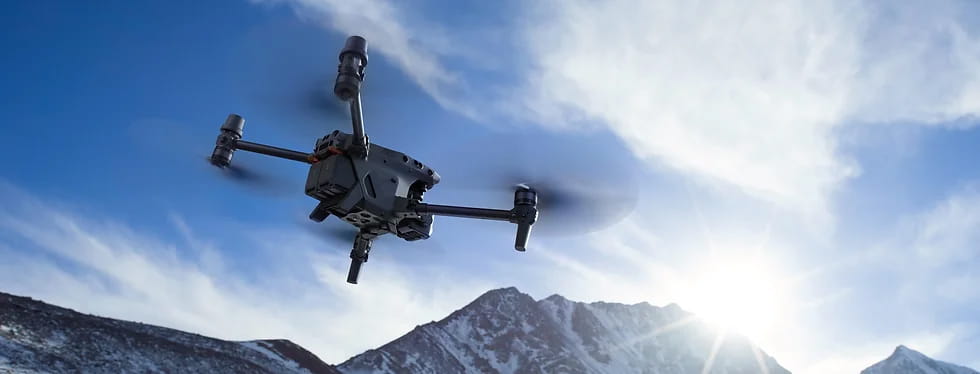
Image sharpness depends on the combination of flight speed, flight altitude, and exposure time rather than on speed alone.
Image sharpness is determined by the relationship between aircraft velocity and exposure time. A fast-moving drone can still produce crisp imagery if the shutter speed is sufficiently short, while slower flights may generate noticeable blur when exposure times become too long.
This issue often appears when operators prioritize mission efficiency and increase flight speed without adjusting camera settings accordingly. As flight velocity increases, exposure times typically need to be reduced to prevent ground features from moving across the sensor during image capture.
Camera settings should be verified under actual site conditions before each mission. Relying entirely on automatic exposure can lead to inconsistent results, particularly when changing light conditions force the camera to use longer exposure times during portions of the flight.
Lighting conditions have a direct impact on image quality. Both insufficient and excessive illumination can reduce the quality of mapping data.
Cloud cover, low sun angles, shaded urban environments, and late afternoon flights reduce the amount of light reaching the sensor. To compensate, cameras may automatically increase exposure time.
Longer exposures increase the likelihood of motion blur. Some systems also compensate by increasing ISO sensitivity. While this avoids longer shutter times, it introduces image noise that can make feature matching less reliable during photogrammetric processing.
Conversely, strong midday sunlight can produce overexposed highlights and deep shadows that obscure surface detail. When setting exposure in bright conditions, it is generally preferable to preserve detail in shadowed areas rather than allowing them to become completely underexposed.
For this reason, survey flights are generally best performed during periods of stable daylight with sufficient illumination.
Many drone cameras use autofocus systems that work well for general photography but can occasionally select an incorrect focal distance before a mapping mission begins.
If the camera locks focus incorrectly during takeoff, every image collected during the flight may be slightly soft.
Because the blur is consistent across all photographs, operators sometimes mistake the issue for poor processing performance rather than a data acquisition problem.
Before starting a survey, it is good practice to verify focus manually or confirm that autofocus has correctly locked onto the scene. A short inspection of several full-resolution images can prevent an entire mission from being compromised.
For mapping applications, the objective is typically to achieve focus near infinity. If manual adjustment is unavailable, autofocus can be directed toward a distant object before being locked for the duration of the mission.
Survey teams often work in dusty, humid, or rapidly changing environments. Under these conditions, image quality can degrade for reasons unrelated to camera settings.
Common examples include:
Another common issue is condensation. This often occurs when equipment is moved directly from an air-conditioned vehicle or office into a hot, humid environment. Moisture can form on lens surfaces within minutes, creating a soft, hazy appearance across every image collected during the mission.
Because these problems affect the entire dataset, even minor contamination can have a noticeable impact on orthomosaic quality. A quick lens inspection before takeoff and allowing equipment sufficient time to adapt to ambient conditions can prevent many avoidable image-quality issues.
While less common, hardware-related problems can also affect image quality.
Examples include:
These problems may introduce subtle image movement that becomes visible only after processing large datasets. Regular maintenance and calibration checks help ensure that image quality remains consistent across projects.
Before launching a mapping mission, use the following checklist to minimize the risk of collecting low-quality imagery:
☐ Inspect the camera lens before takeoff.
Check for fingerprints, dust, moisture, or condensation that could reduce image clarity across the entire dataset.
☐ Confirm that the gimbal is functioning correctly.
Verify that the stabilization system initializes properly and operates smoothly before the mission begins.
☐ Reach the planned mapping altitude before adjusting camera settings.
Point the camera in nadir position and configure exposure for the actual scene rather than relying entirely on automatic settings.
☐ Use appropriate exposure settings.
Keep ISO as low as practical (typically ISO 100–200), select a shutter speed suitable for the planned flight altitude and speed, and adjust aperture where available. In bright conditions, exposing for shadow areas can help preserve image detail across the scene.
☐ Verify camera focus before starting the survey.
For mapping missions, focus should normally be locked near infinity or on a distant object before image acquisition begins.
☐ Avoid adverse weather conditions.
Heavy rain and moisture can reduce image quality or cause condensation on optical surfaces.
☐ Review several full-resolution images before leaving the site.
Check sharpness, focus, and exposure while corrective action is still possible.
The most effective quality-control step is often the simplest: inspect the data before processing begins. Identifying image quality issues on-site allows operators to repeat a mission immediately, whereas discovering the same problems during processing may require an additional site visit and a complete re-survey.
Modern photogrammetry software can improve reconstruction quality, reduce certain processing artifacts, and optimize the appearance of mapping products. However, these improvements are limited to information that already exists in the source imagery. Software cannot recreate geometric detail that was never captured because of motion blur, incorrect focus, excessive vibration, or severely overexposed or underexposed photographs.
In some cases, processing algorithms can reduce the visual impact of image noise or improve reconstruction consistency, but they cannot replace proper image acquisition in the field.
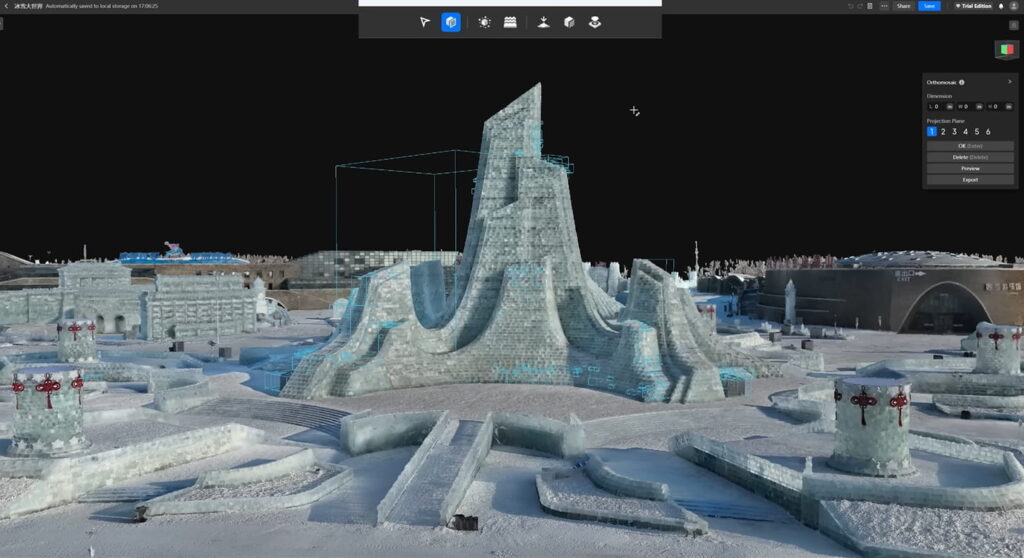
DJI Terra is designed for photogrammetric processing and 3D reconstruction. It can generate orthomosaics, point clouds, and terrain models while applying image balancing and reconstruction algorithms that help create cleaner mapping outputs. However, Terra cannot fully recover detail that was lost due to motion blur, incorrect focus, or poor image quality during capture.
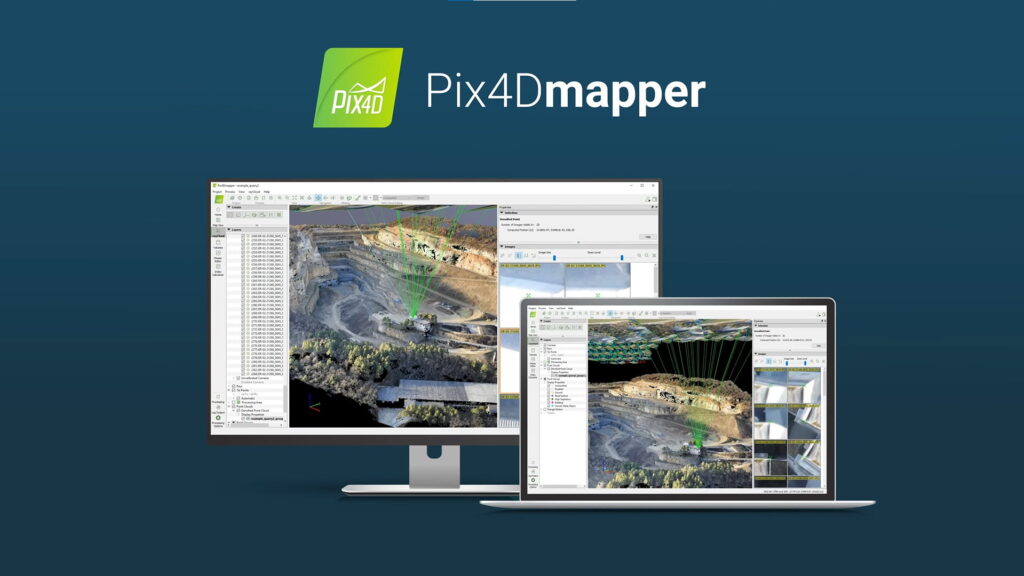
Pix4Dmapper provides advanced photogrammetry tools for image alignment, camera calibration, and orthomosaic generation. Its processing algorithms can improve reconstruction accuracy and help produce more consistent results across large datasets. However, like other photogrammetry platforms, it relies heavily on the quality of the original imagery and cannot restore details that were never captured by the sensor.
For a detailed overview of the available Pix4D solutions and their applications across surveying, construction, mining, and infrastructure projects, see our article Pix4D Software Ecosystem: Professional Tools for Drone Mapping and Geospatial Analysis
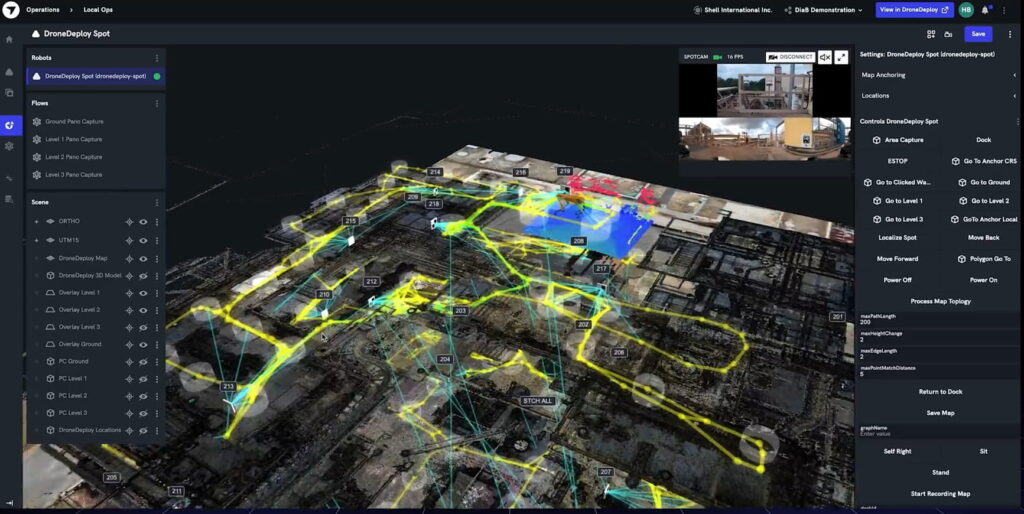
DroneDeploy combines automated processing with cloud-based mapping and analysis tools. It can improve visual consistency through image optimization, seamline management, and streamlined processing workflows. These capabilities can help create cleaner deliverables, but they cannot compensate for significant blur, focus errors, or exposure problems in the source images.
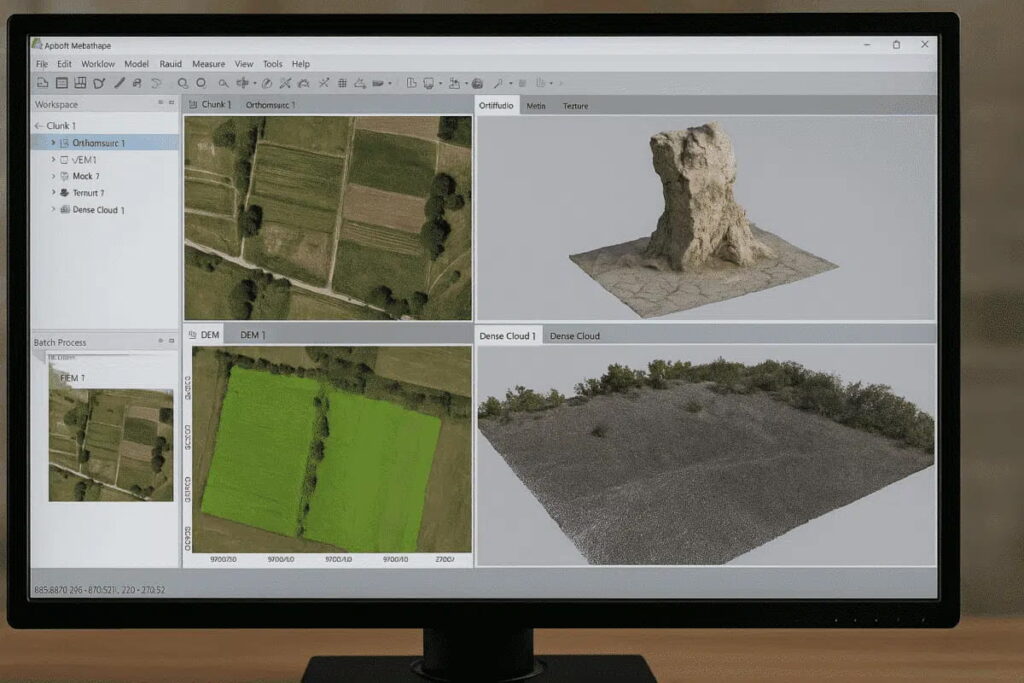
Agisoft Metashape is widely used for professional photogrammetry projects that require a high degree of processing control. It offers extensive tools for image alignment, dense point cloud generation, and orthomosaic production. While its advanced settings can help optimize reconstruction quality, the final results remain dependent on the sharpness and quality of the input photographs.
Unlike the platforms above, DJI Modify focuses primarily on post-processing and editing 3D models. It can be used to repair meshes, remove artifacts, refine surfaces, and improve the visual quality of reconstructed models. While useful for cleaning up deliverables, it cannot recreate geometric detail that was lost because of poor-quality imagery collected during the survey.
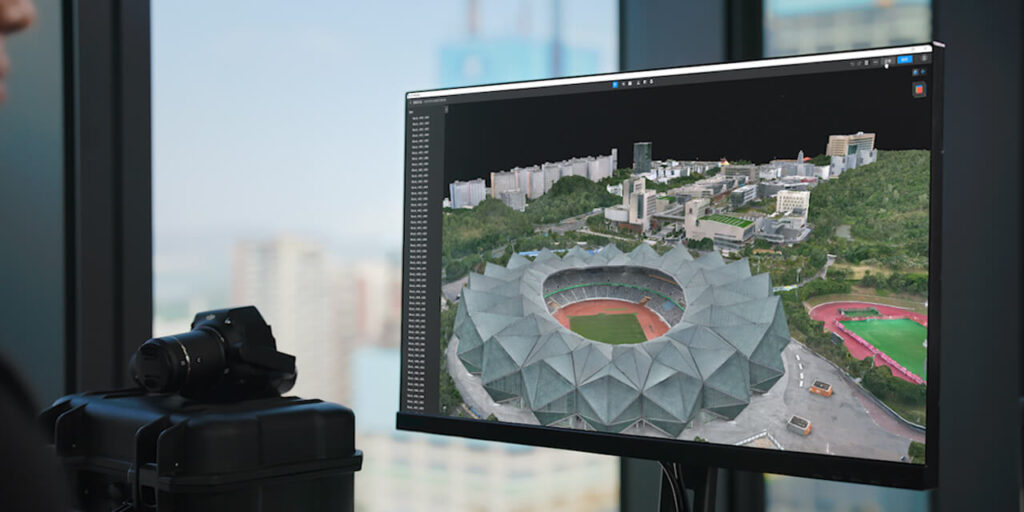
Additional information on DJI Modify features and typical workflows is available in our previous article DJI Modify in Practice: Where It Fits — and Where It Doesn’t
Blurry orthomosaics are often treated as a processing problem, but in most cases the root cause lies in the quality of the source imagery. Once a dataset affected by motion blur, focus errors, or poor exposure has been collected, software has limited ability to recover lost detail.
For this reason, orthomosaic quality should be considered long before images are imported into photogrammetry software. Verifying camera settings, maintaining appropriate shutter speeds, checking focus, and reviewing sample images in the field can prevent issues that may otherwise compromise an entire survey.
The cost of these checks is minimal compared to the cost of repeating a flight, delaying project delivery, or making decisions based on unreliable mapping data. In professional UAV surveying, image quality control remains one of the simplest and most effective ways to improve the accuracy, consistency, and overall value of the final deliverables.