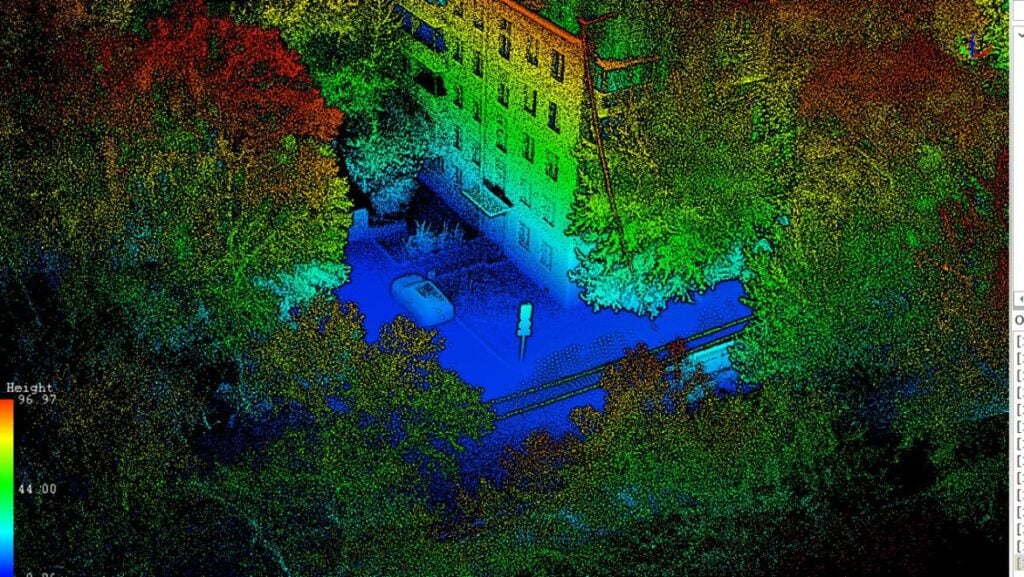
Comprehensive Software Comparison: XGRIDS, DJI & GREENVALLEY

In the rapidly evolving field of geospatial technology, selecting the right software solution is critical for project success. In this article, we provide a comprehensive comarisob that examines six industry-leading software packages engineered specifically for processing and visualizing complex 3D data, LiDAR point clouds, and drone-based mapping applications.

Overview

The software solutions featured in this comparison represent the cutting edge of geospatial data processing technology. Each platform has been developed to address specific challenges in three-dimensional data capture, processing, and visualization, offering professionals across multiple sectors powerful tools for transforming raw data into actionable intelligence.

Comparison of Major Features

 
Software

XGRIDS
LixelStudio

XGRIDS Lixel CyberColor Studio

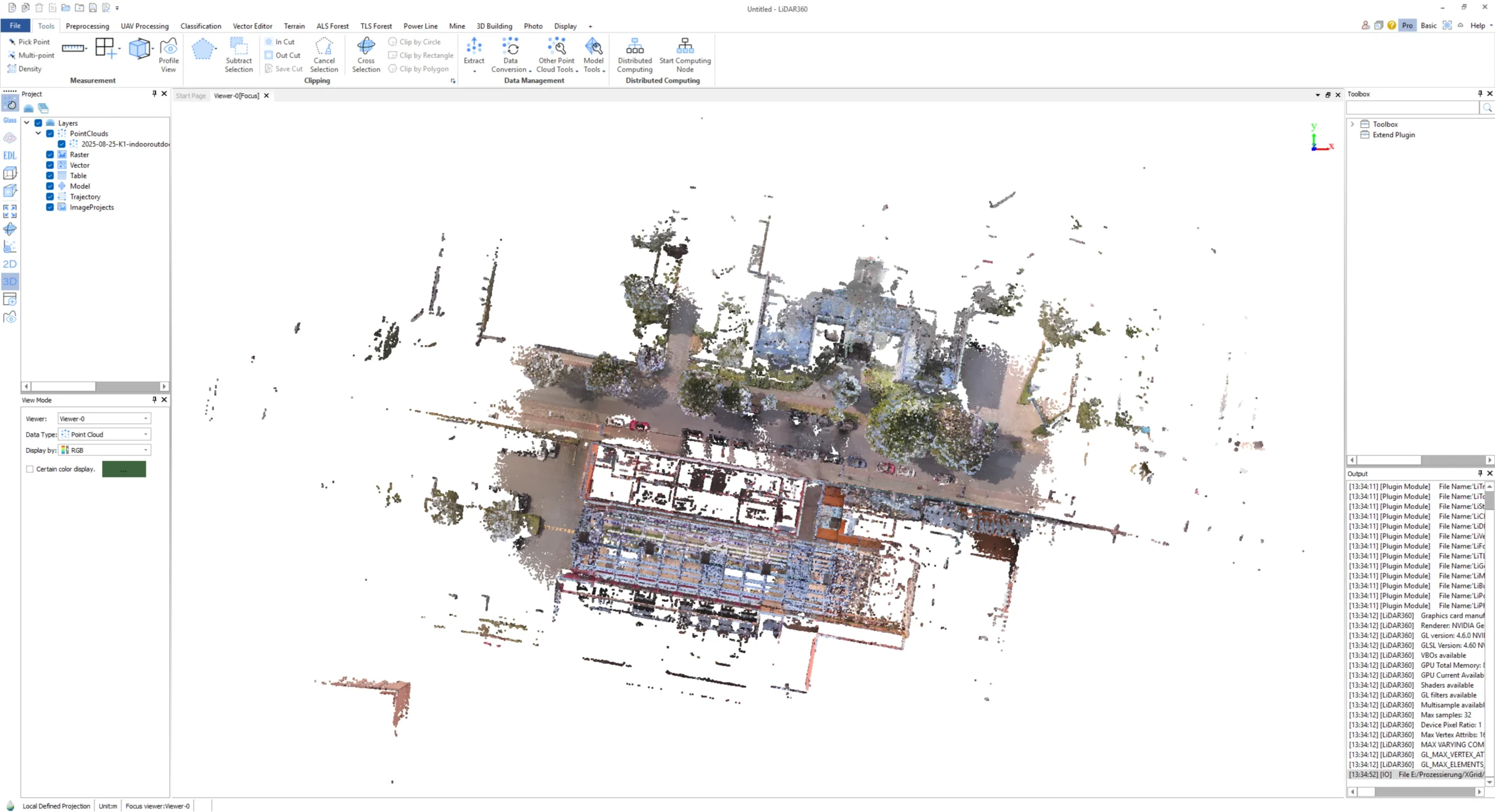
GreenValley LiDAR360

GreenValley
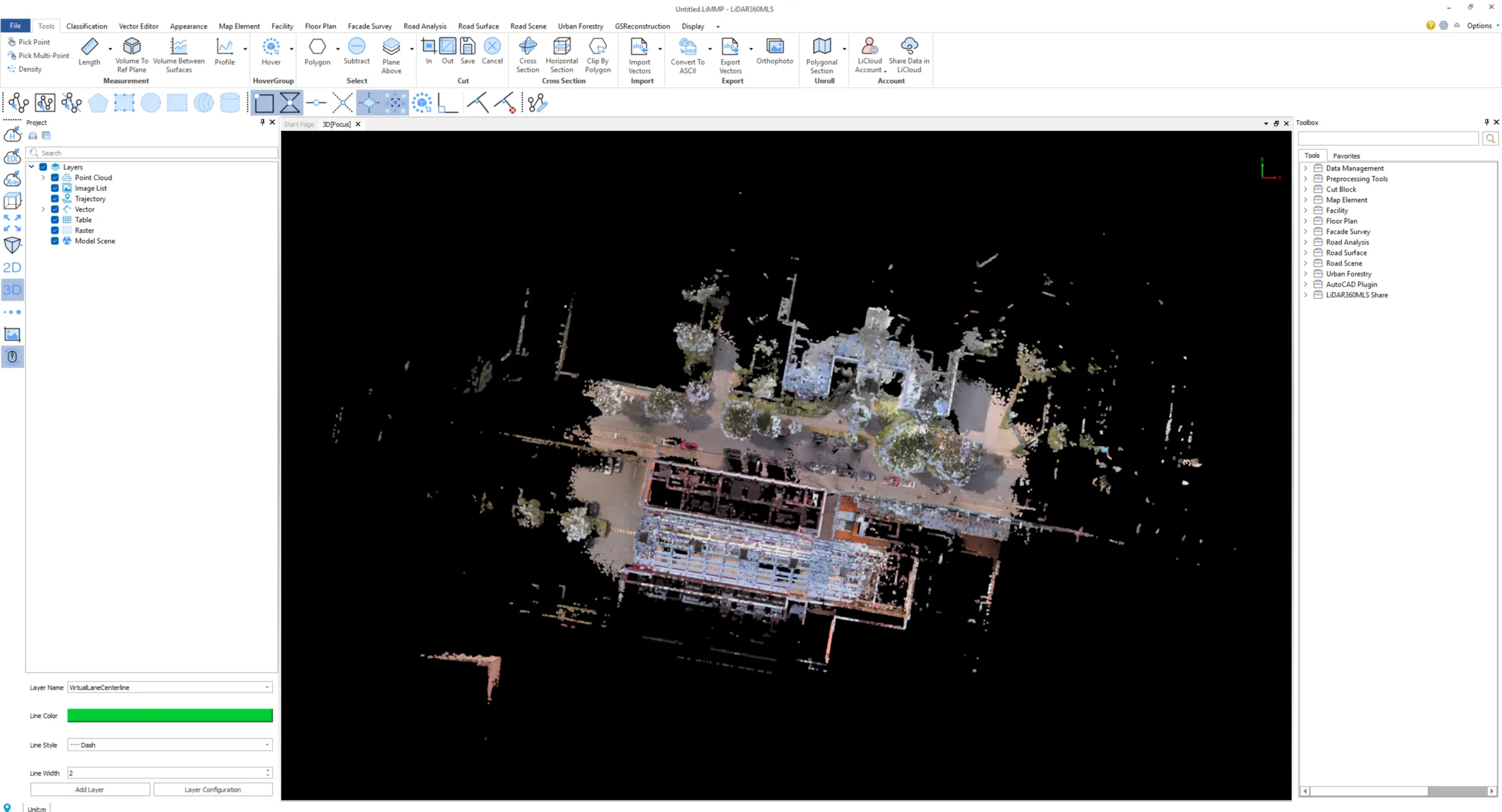
LiDAR360MLS

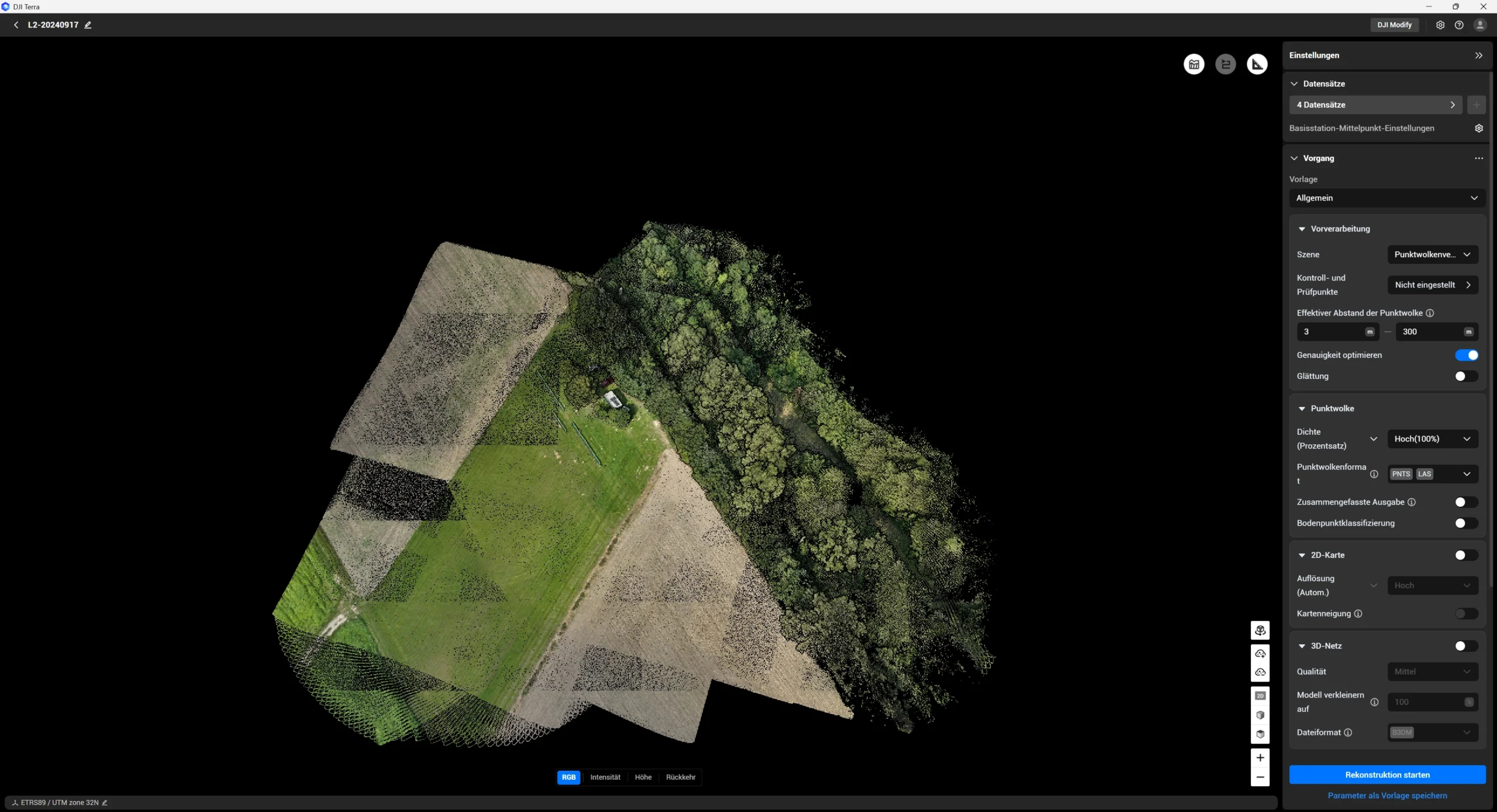
DJI Terra 

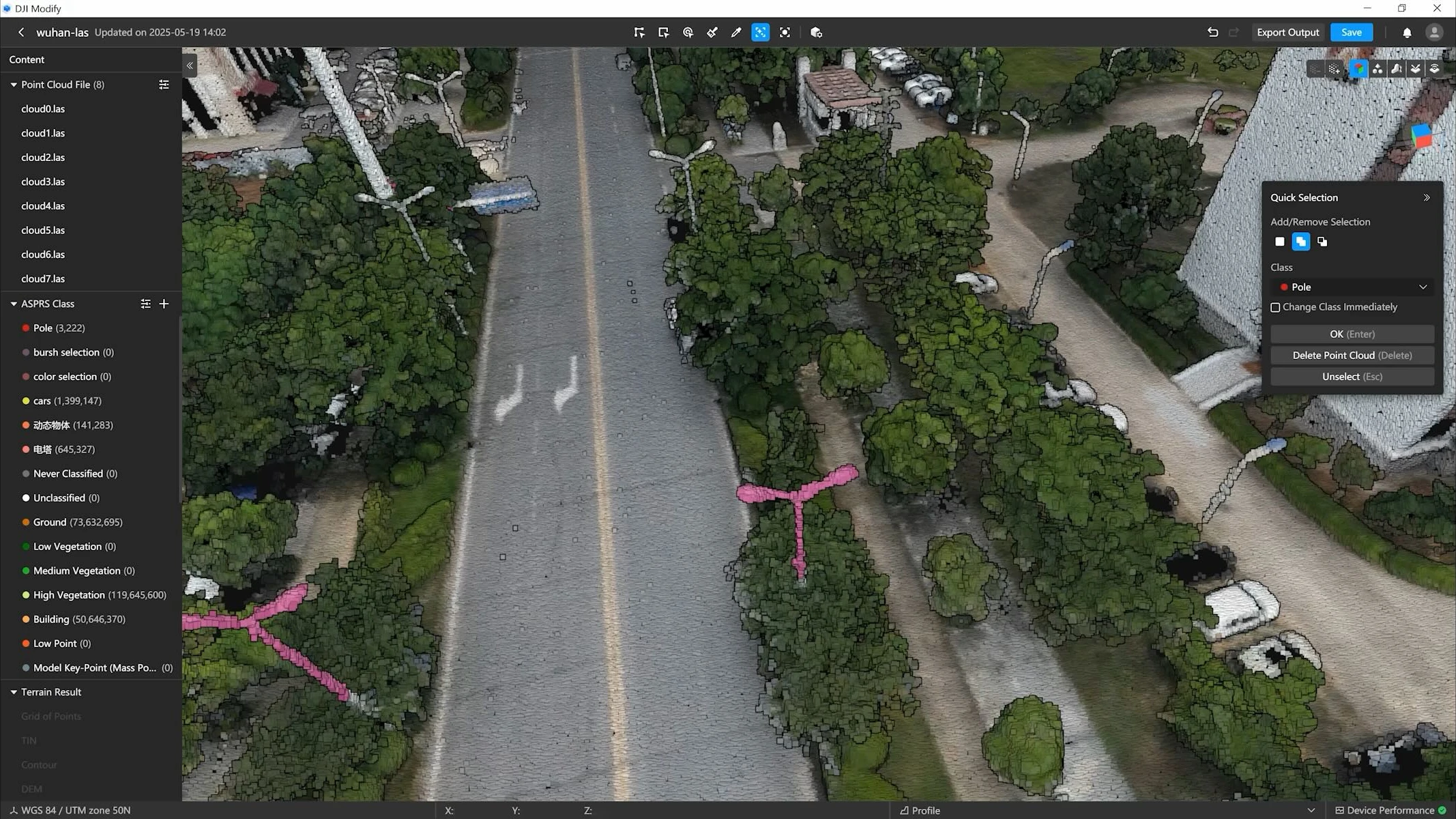
DJI Modify 

CategoryReconstructionVisualizationProcessing (Stationary)Processing (Mobile)MappingEditing
Main Features
  • Includes X-GRIDS hardware products (no standalone version available)
  • High-precision 3D reconstruction with real-time 3D modeling
  • Handheld LiDAR processing
  • Various export formats
  • Supports large-scale scan data processing
  • 3D Gaussian splatting technology for photorealistic rendering
  • Automatic model generation from scan data
  • First-person navigation and digital avatars in model view
  • Clipping, measurement tools, notes
  • Linking/portal function for complex scenes
  • Export of various formats and cloud sharing
  • SDKs for Unity, Unreal Engine, Web, and Apple Vision Pro
  • Applications in architecture, inspection, cultural heritage, gaming, and CGI
  • Modular and customizable with packages for forestry, mining, 3D building modeling, high-voltage power lines, terrain modeling, photogrammetry, and hyperspectral data
  • Comprehensive point cloud processing with AI-supported classification
  • Multi-data fusion from UAV, terrestrial, mobile scans and data filtering
  • Digital twins and infrastructure monitoring
  • Various analysis and reporting modules
  • Support for mobile data capture (vehicle, backpack, handheld)
  • Modular and customizable with packages for road analysis, building modeling, urban forest analysis
  • Multi-data fusion from UAV, terrestrial, mobile scans and data filtering
  • Infrastructure analyses
  • Photogrammetry and mapping software for drones
  • Real-time mission planning with 3D environmental models
  • LiDAR data optimization
  • Multispectral analysis (agriculture, environment)
  • Export and post-processing of 2D/3D models
  • Intelligent 3D model editing and optimization
  • Smoothing, noise reduction, downsampling of point clouds
  • One-click classification
  • Automatic error correction (floating objects, holes, vehicles)
  • Realistic texturing, batch processing
  • Fast import/export, seamless integration with DJI Terra
Applications
  • 3D modeling and visualization
  • Processing LiDAR data from various XGrids scanners
  • Spatial applications and digital twins
  • Presentations and virtual tours
  • Architecture and construction documentation
  • Inspection and technical archiving
  • Heritage/archaeology
  • Gaming, CGI, VFX, and immersive media
  • UAV LiDAR data processing
  • Photogrammetry
  • Forestry and environmental management
  • Mining, disaster assessment
  • Infrastructure management and monitoring
  • 3D modeling and visualization
  • Mobile LiDAR data processing
  • Road and building surveying
  • Urban planning
  • Environmental and forest management in urban areas
  • Drone-based surveying and mapping
  • Agricultural analyses
  • Infrastructure inspection
  • Safety and disaster management
  • Post-processing of drone 3D models
  • Efficient model optimization
  • Use in surveying, fire fighting, disaster management, and traffic
  • Sharing and workflow enhancement
Are the licenses tied to a computer?No, they are linked to the registered email address.The license can be registered and deregistered at any time. Deregistration must be done on the PC where the license is currently activated.Yes, it can be unlinked via DJI support depending on the version.
On how many computers can I use one license simultaneously?The license can run on 3 computers simultaneously.The license can only be active on one PC at a time.On one PC.
Is a server license possible?The license cannot run on a server or virtual machine.Yes, LCC can be installed on a server, but the manufacturer does not recommend it (performance and compatibility may suffer).A server license is possible.DJI Terra can be used on physical servers. If you have a physical server with Windows 7 or higher and the hardware meets DJI Terra’s minimum requirements, you can use DJI Terra on it.
Can I upgrade versions for free?YesMinor upgrades are free (e.g., V7.1 to V7.2). Major upgrades cost 20% of the list price (e.g., V7 to V8).From version 5 onwards, follow-up updates are free.
Can I use parts of the software for free?With version V3.4, some basic functions are provided for free, including basic tools and application functions.NoNoWhen purchasing the DJI Zenmuse L2, DJI Terra is included for free (only for point cloud part; 3D mesh from camera data not included).
Can I test the software for free?You can test the software for 30 days free of charge.You can test the software for 7 days free of charge.You can test the software for 30 days free of charge.
Can the license be activated offline?YesYesYes, but only when purchasing Terra offline.
How do I register with the software?

When purchasing a Lixel Handheld Scanner, the software is free to use. After the first software start, click Apply and fill out the online form and submit it. Three permanent license codes will be sent to your email address.

For offline activation, select the option during the first Lixel Studio start, and send the displayed request code to the sales manager responsible. They will provide a license file you can enter in the same window.

When purchasing the software, provide the dealer with an email address for Lixel CyberColor login. This email will be activated for the license.

If you have purchased a perpetual license, you will receive a dongle to activate Lixel CyberColor Studio. You must download a separate version of Lixel CyberColor Studio via the link provided. This also applies for the offline version.

Enter the provided license code in the license manager on software start.
Enter your license code in the settings (top right in the software).
What are the Hardware requirements?
    • Recommended:
    • CPU: AMD Ryzen 9 5000 or Intel Core i9 12th Gen
    • GPU: NVIDIA RTX 3070 or higher
    • Memory: 64 GB RAM
    • Storage: 1 TB (SSD)
    • OS: Windows 10/11 Professional or Home

Minimum:

  • CPU: AMD Ryzen 7 3000 or Intel Core i7 9th Gen
  • GPU: NVIDIA RTX 2060 (6 GB VRAM)
  • Memory: 32 GB RAM
  • Storage: 1 TB (HDD)
  • OS: Windows 10/11 Professional or Home
    • Recommended:
    • CPU: AMD Ryzen 9 7950X (16-core desktop CPU)
    • GPU: NVIDIA GeForce RTX 4090 (24 GB)
      or NVIDIA Quadro RTX 6000 Ada (48 GB)
      or NVIDIA Tesla L40 (48 GB)
    • Memory: 64 GB RAM or higher
    • Storage: At least 240 GB of available space on a solid-state drive (SSD)
    • OS: Windows 10 version 19H1 or later

Basic:

  • CPU: Intel Core i7 10700K or AMD Ryzen 7 3700X (8-core desktop CPU)
  • GPU:NVIDIA GeForce RTX 3060 (12 GB)
    or NVIDIA Quadro RTX A4000 (16 GB)
  • Memory: 64 GB RAM
  • Storage: At least 120 GB of available space
  • OS: Windows 10 version 19H1 or later
  • CPU: Intel Core i5/i7 or AMD Ryzen 5/7 (at least a dual-core processor)
  • GPU: NVIDIA graphics card above GTX 970 (no less than 4 GB VRAM)
  • Memory: at least 32 GB or more
  • OS: Microsoft Windows 7/8/10/11 (64-bit) or Microsoft Windows Server 2012 and higher.
    • 3D Model Reconstruction / LiDAR Point Cloud Processing:
    • CPU: Intel Core i5 / AMD Ryzen 5 or higher
    • GPU: NVIDIA graphics card with a computing capability of no less than CUDA 6.1
    • VRAM: No less than 4 GB VRAM
    • Memory: No less than 32 GB RAM
    • Storage: 200 GB free space (basic requirement) or SSD+200 GB free space (recommended)
    • OS: Microsoft Windows 10 (64-bit) or later

2D Map Reconstruction:

  • Memory: No less than 8 GB RAM

Conclusion

The selection of appropriate software for 3D data processing and LiDAR analysis represents a significant investment in your organization’s capabilities. By thoroughly evaluating the features, applications, and technical requirements of each platform, you can identify the solution that best aligns with your operational objectives and technical specifications.

At GNSS.AE, we help organizations make an informed decision to enhance geospatial data processing capabilities and deliver measurable returns on investment.